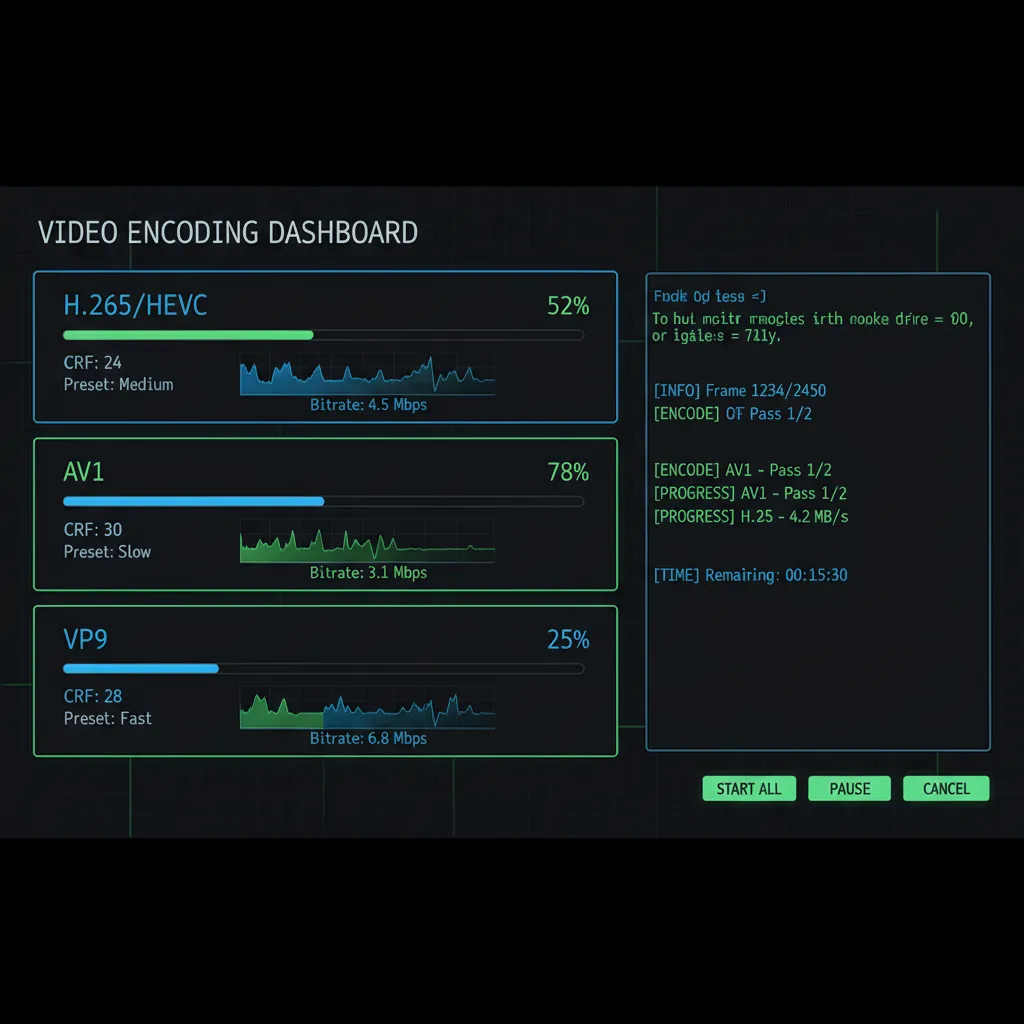
Advanced Video Encoding — H.265, AV1 & VP9 Batch Compression
CRF tuning, GPU acceleration, 10-bit HDR — a power tool for encoding enthusiasts.
Download Free TrialBuilt for Encoding Enthusiasts
Video Recompress Studio gives you the control you need without the command-line complexity:
- CRF tuning — adjust quality-per-bit from CRF 18 (near-lossless) to CRF 28 (maximum compression)
- Encoder presets — from ultrafast to veryslow, balance speed vs. compression efficiency
- 10-bit color depth — preserve HDR and wide color gamut content
- Audio passthrough — copy audio streams without re-encoding (AAC, AC3, EAC3, DTS)
Codec Comparison
Choose the right codec for your use case:
| Codec | Quality/Size | Encoding Speed | Compatibility |
|---|---|---|---|
| H.265 (HEVC) | Excellent | Fast (GPU) / Medium (CPU) | Universal (2018+) |
| AV1 | Best | Medium (GPU) / Slow (CPU) | Good (2020+) |
| VP9 | Very Good | Slow (CPU only) | Web / Android |
| H.264 (AVC) | Good | Very Fast (GPU) | Universal |
GPU-Accelerated Encoding
Leverage your graphics card for dramatically faster encoding:
- NVIDIA NVENC — GTX 1060+ / RTX series, H.264/H.265/AV1 hardware encoding
- Intel QSV — 6th gen+ Intel CPUs with integrated graphics
- AMD AMF — RX 5000+ / RX 6000+ series GPUs
Batch Processing Hundreds of Files
Process your entire library without babysitting:
- Drag a folder — processes all video files recursively, preserves directory structure
- Smart filtering — skip already-compressed files, set minimum size thresholds
- CLI mode — automate via command line for scheduled encoding jobs
Take Control of Your Encoding
30-day free trial. Process 10 files without watermark. No credit card required.
Download Free TrialPublished by ContentaSoft, Umea, Sweden — developer of VideoRecompress Studio.
VideoRecompress Studio is a desktop application for Windows that batch compresses and re-encodes videos using modern codecs (H.265, AV1, VP9) with hardware acceleration.
This software contains no adware, spyware, toolbars, or bundled third-party programs. The installer installs only VideoRecompress Studio and FFmpeg (open-source video engine).
All videos are processed locally on your computer. No files are uploaded to any server. The software does not collect personal data.
Free 30-day trial with 10 files included. After the trial, a license key is required. Lifetime license: $79 (one-time payment, no subscription).
How to Uninstall
Open Windows Settings > Apps > Installed apps, find "VideoRecompress Studio" in the list, and click Uninstall. You can also run the uninstaller from the installation folder or use Control Panel > Programs and Features.
Download size: ~2 MB (web installer). Additional components including FFmpeg are downloaded during installation.